A recording.
A place to begin.
Add video or audio from Photos, Files or a direct media link. On Mac, drop files straight into your workspace.

Your next post, short clip or story is already in your recording.
Find it with reframa’s on-device AI. Keep it in your own words.
For Apple Intelligence compatible iPhone, iPad and Mac.
Requires iOS 26, iPadOS 26 or macOS 26, with Apple Intelligence enabled.
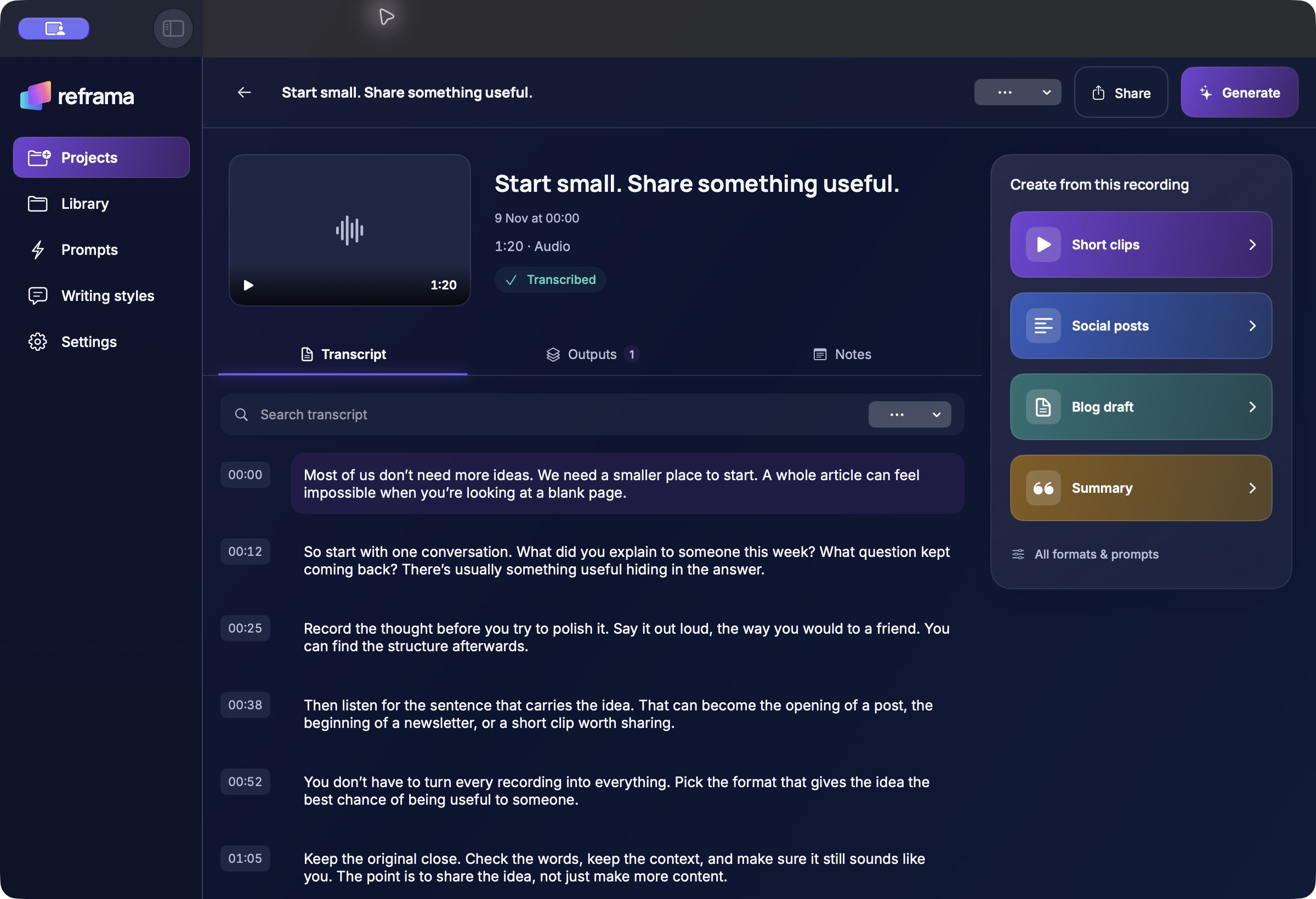
A conversation, a talk, a video. Bring it in, find the useful moments, and give them somewhere new to go.
Add video or audio from Photos, Files or a direct media link. On Mac, drop files straight into your workspace.
Transcribe on your device, search timed passages and edit the words. Keep notes alongside the original.
Prepare social posts, a blog draft or a summary. Review clip suggestions and choose frames from your video.
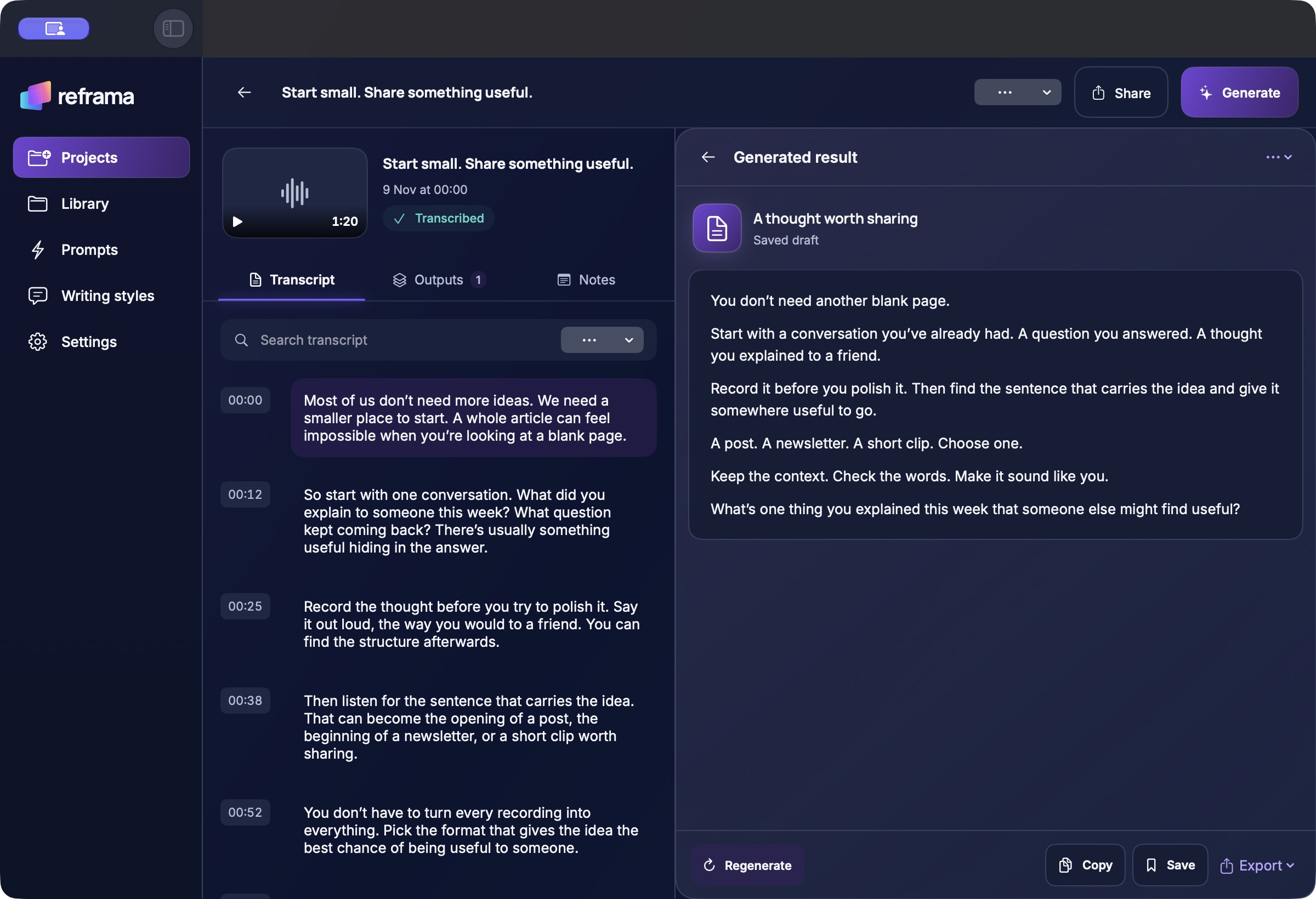
Editable drafts, reusable prompts and writing styles. Review every result before sharing.
Explore suggested clips, adjust their timings and export an MP4 with the original framing.
Choose an original video frame and export a JPG for Canva, Adobe Express or your usual editor.
You choose what to keep, edit and share. reframa does not publish to social accounts for you.
Capture the thought on iPhone. Give it room on iPad. Work through the detail on Mac. Each device has its own local library.
Actual development interfaces with illustrative sample content. There is no automatic cloud sync between devices.
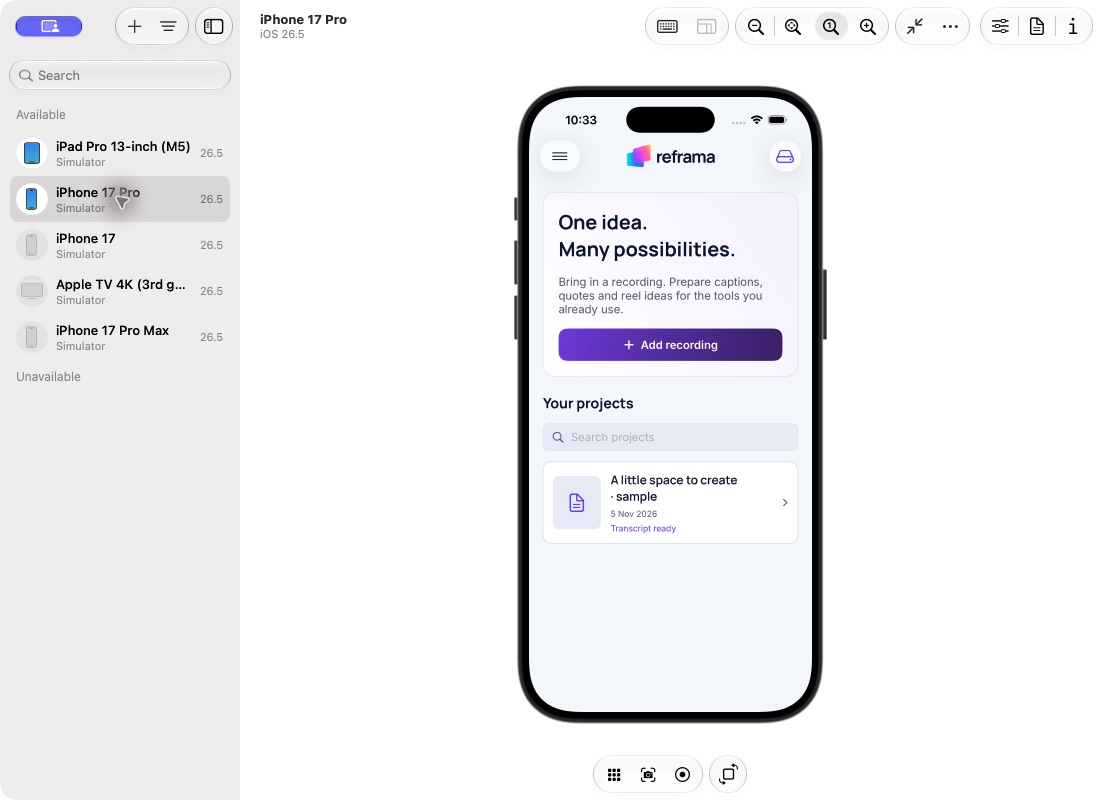
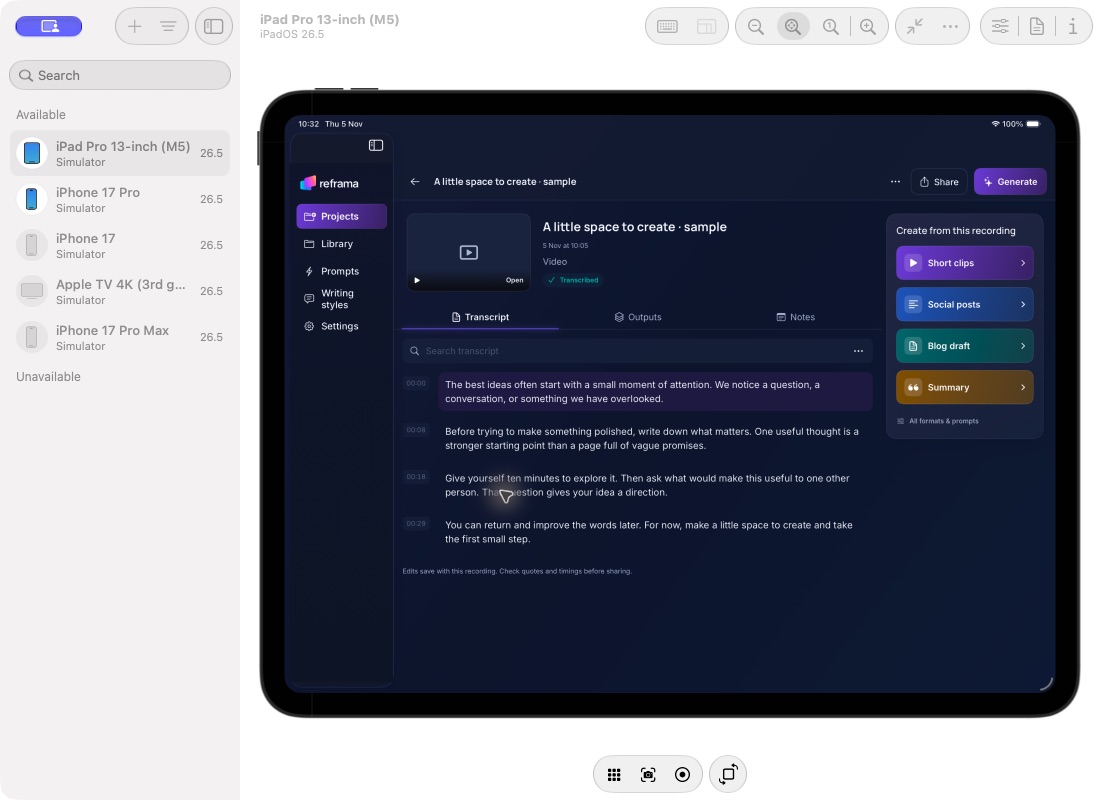
Your recordings, transcripts and built-in AI writing stay on your device. reframa does not send your content to a cloud AI service to generate drafts.
iOS 26 or later, on an iPhone that supports Apple Intelligence.
iPadOS 26 or later, on an iPad that supports Apple Intelligence.
macOS 26 or later, on an Apple silicon Mac with Apple Intelligence.
Apple Intelligence must be enabled, its model downloaded, and a supported language and region available. Installing the right OS alone does not make a device compatible.
Transcription uses a separate on-device speech model, with an initial download of about 500 MB. Initial setup, media-link imports and external sharing use the internet. If you choose to copy a prompt to another AI app, that service’s own processing and privacy terms apply.
Check Apple’s current supported devices and languages ↗Transcription, frame analysis and built-in AI writing run on your device. Your content is not uploaded to a cloud AI service for these features.
No reframa account. No advertising or analytics SDKs in the app. Your library is stored locally, and exporting is your choice.
Initial model setup needs internet. Media links, iCloud retrieval and sharing contact the services you choose. Built-in writing needs Apple Intelligence on a compatible device.
Read the full privacy policy ↗reframa is being developed for iPhone, iPad and Apple silicon Mac. Built-in AI writing requires iOS 26, iPadOS 26 or macOS 26, a compatible Apple Intelligence device, and Apple Intelligence enabled and available. Features and language availability depend on your device. Physical-device release testing is still in progress.
After the speech model is downloaded and prepared, transcription runs locally. Built-in writing uses Apple’s on-device model once available. Importing internet media and opening external services require a connection. Initial speech setup downloads about 500 MB and needs extra working space.
reframa is in development and is not yet available on the App Store. Pricing and a release date have not been announced. Contact David with questions.
Your library is local to each device. There is no automatic reframa cloud sync. You can export project backups yourself; they include the original recording and writing. Device backups depend on your device settings.

Built by David Burn. In development.